What if the fastest way to create value with AI isn’t by chasing a single killer app—but by spotting dozens of everyday moments where AI can quietly make life easier?
That’s the approach behind the OpenAI guide *"Identifying and Scaling AI Use Cases"*, based on insights from over 300 deployments and 2 million users. This post breaks down the most practical lessons, ready for teams who want to move from “playing with AI” to *delivering real impact*.
TL;DR – Use Cases Are Everywhere (If You Know What to Look For)
- Start with repetitive tasks, skill bottlenecks, and ambiguous work.
- Teach teams the 6 AI primitives that unlock productivity across any role.
- Use a simple impact/effort matrix to prioritise use cases that matter.
- Think beyond single tasks—*map full workflows*.
- Build a culture where people experiment, test, and share their own use cases.
Key Principles for Finding Great Use Cases
- Lead from the top. Senior sponsorship is key.
- Start simple. Avoid over-engineering. Quick wins build momentum.
- Make it social. Hackathons, Slack channels, and peer GPTs help spread adoption.
The 3 Work Areas Where AI Excels
1. Repetitive, low-value tasks:
- Writing summaries
- Updating dashboards
- Answering common questions
2. Skill bottlenecks:
- Running queries without a data team
- Drafting designs or mockups
- Creating reports without an analyst
3. Ambiguity blockers:
- Brainstorming ideas
- Getting unstuck when starting a task
- Structuring complex plans
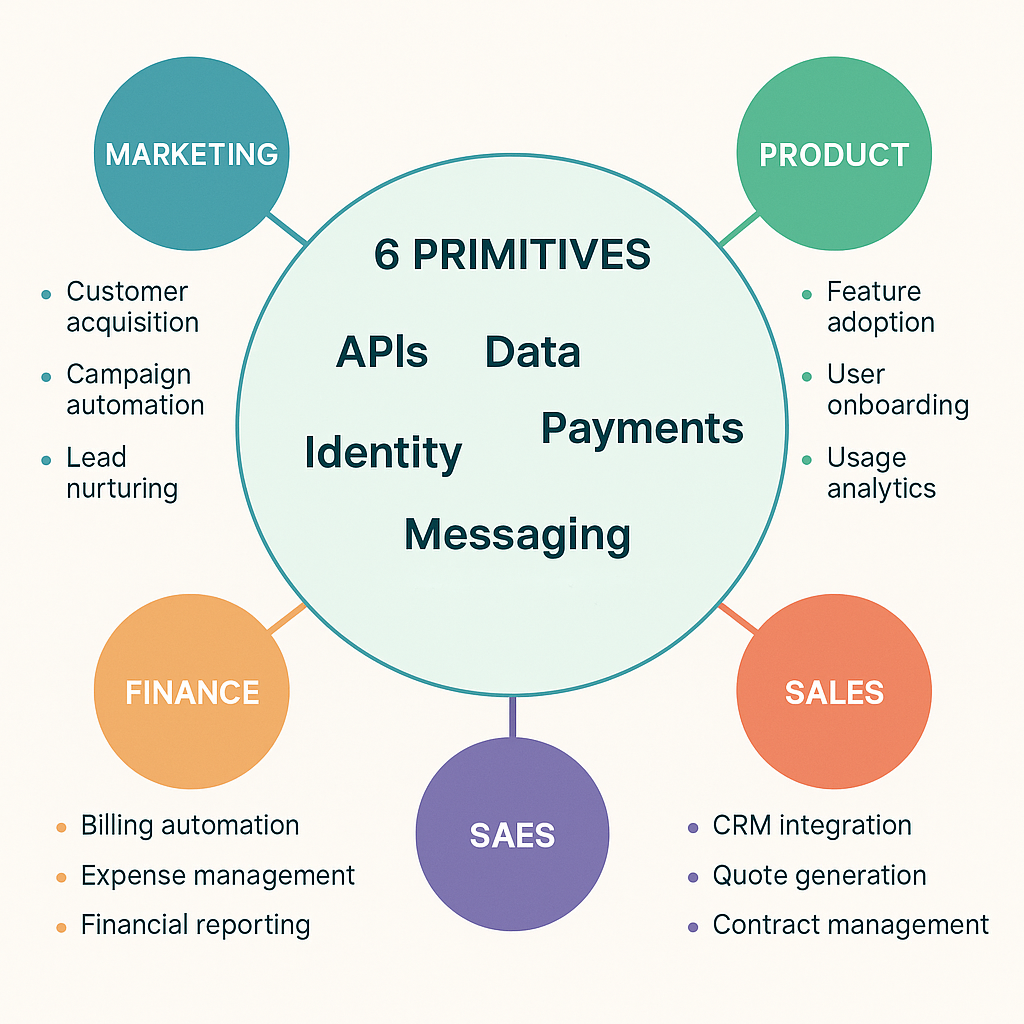
The 6 AI Use Case Primitives
These are reusable patterns that work across most teams:
- ✍️ Content creation – Emails, documents, campaigns, scripts
- 🔎 Research – Market scans, benchmarks, summaries
- 💻 Coding – SQL, Python, HTML, debugging
- 📊 Data analysis – Trends, harmonisation, visuals
- 💡 Ideation & strategy – Brainstorms, plans, feedback
- 🤖 Automation – Scheduled reports, smart summaries, GPT flows
Prioritising with Impact vs Effort
Use a simple 2x2 to decide what’s worth scaling:
| | Low Effort | High Effort |
|---------------|------------------|------------------|
| High Impact | ✅ Quick Wins | 🚀 Big Bets |
| Low Impact | 🤏 Self-serve | ❌ Deprioritise |
Examples:
- Quick win: Auto-summarise meetings
- Big bet: Custom multilingual GPT for credit risk
- Self-serve: Personalised SQL queries
- Deprioritise: Replacing tools that already work well
From Tasks to Workflows
The best users don’t stop at a single task—they link AI across steps:
Example: Marketing Campaign Flow
- Research trends → 2. Analyse audience data → 3. Brainstorm ideas → 4. Create assets → 5. Automate localisation
Building AI Culture
Great AI rollouts aren’t just technical—they’re cultural:
- Run hackathons or "use case olympics"
- Create GPT labs like Estée Lauder’s cross-functional teams
- Set up shared spaces for ideas, templates, and prompts
My Take
This guide is gold for teams trying to make AI useful *today*. The "6 primitives" idea is so practical—it turns vague possibilities into tangible action. If you want to democratise AI inside your org, this is the playbook.