I recently deployed a small demo app using Cloudflare Workers at
👉 [https://cloudflare.carlosluengo.es](https://cloudflare.carlosluengo.es)
and the experience reminded me why I enjoy building on this platform: it’s fast, global, minimalistic, and opinionated in the right ways.
Here’s my personal take on what Workers are, how they work, how to use them, and where they shine (or don’t).
What Cloudflare Workers Are (In Practical Terms)
Cloudflare Workers let you deploy serverless code that runs directly on Cloudflare’s global edge network—not in a central region. They run inside V8 isolates, meaning:
- very low cold-start times
- tight resource constraints
- high performance for I/O-heavy workloads
- strong sandboxing
Instead of provisioning containers or servers, you ship a tiny script and Cloudflare distributes it globally within seconds.
In short:
Workers = globally replicated functions with built-in scale, CDN, and smart routing.
My Demo App (Deployed on Workers)
I built a tiny interactive demo hosted here:
👉 [https://cloudflare.carlosluengo.es](https://cloudflare.carlosluengo.es)
It’s powered entirely by:
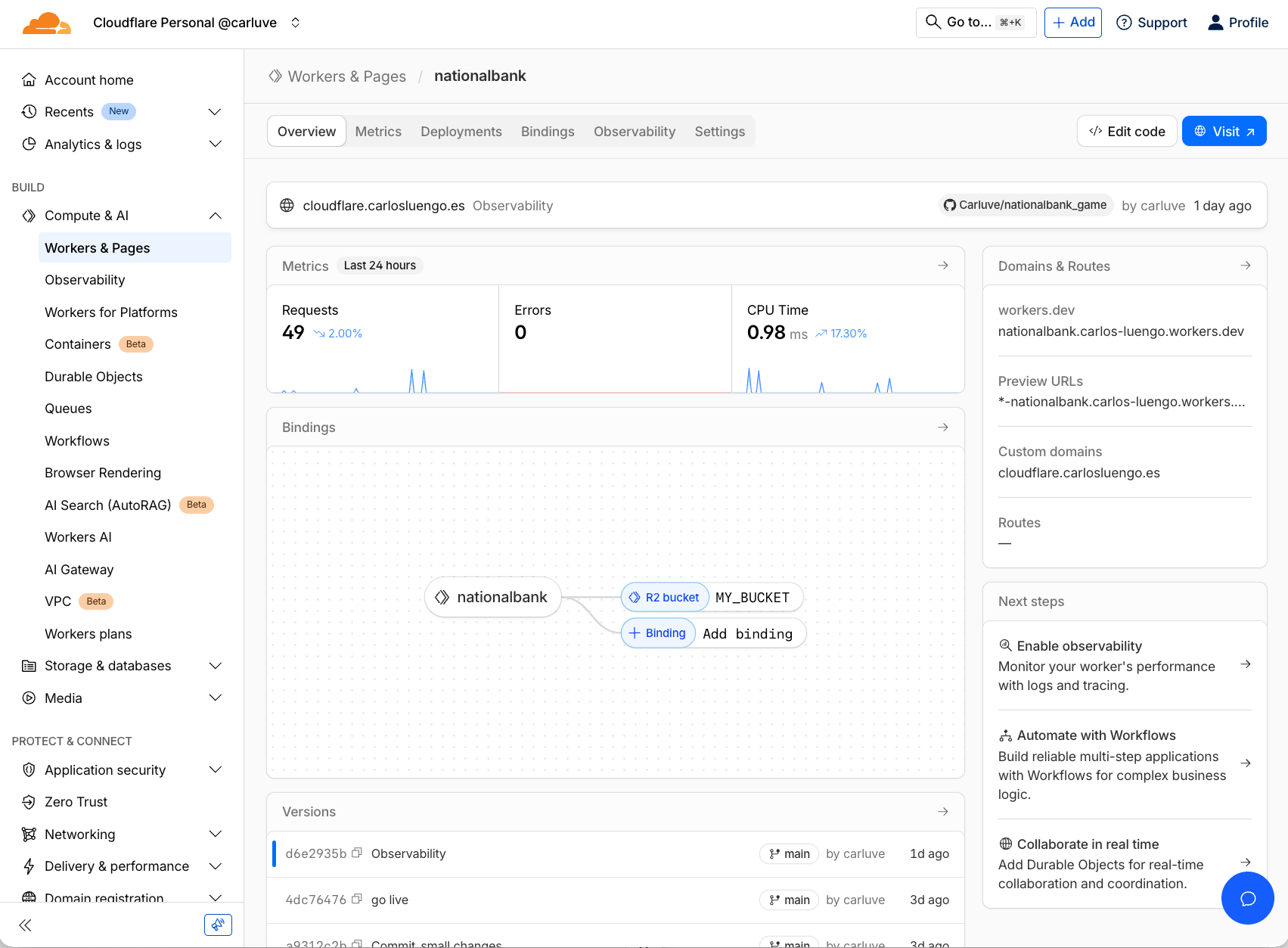
- Workers (backend logic)
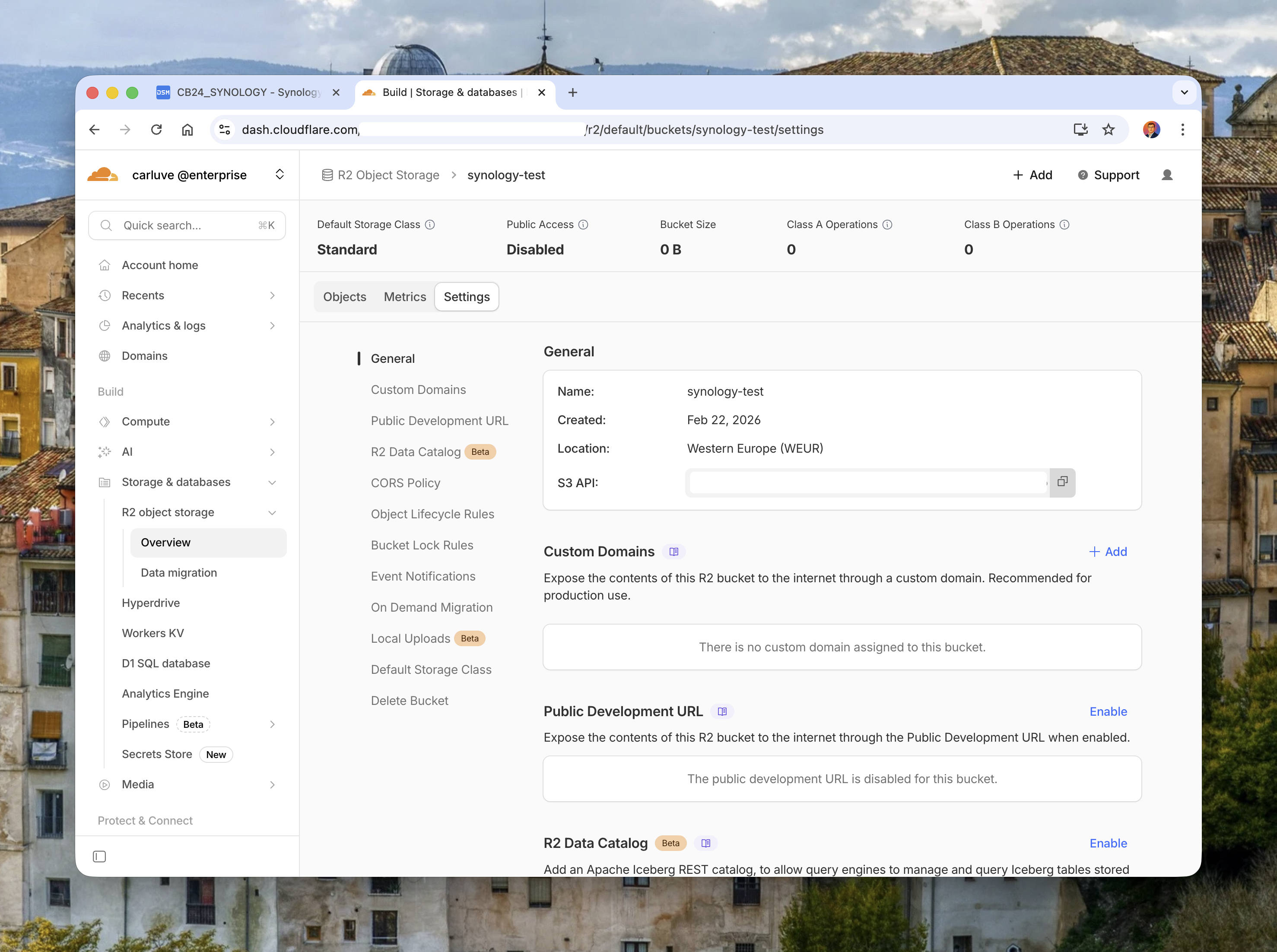
- R2 (static assets + small image files)
- A very lightweight routing layer
- Edge-powered request handling
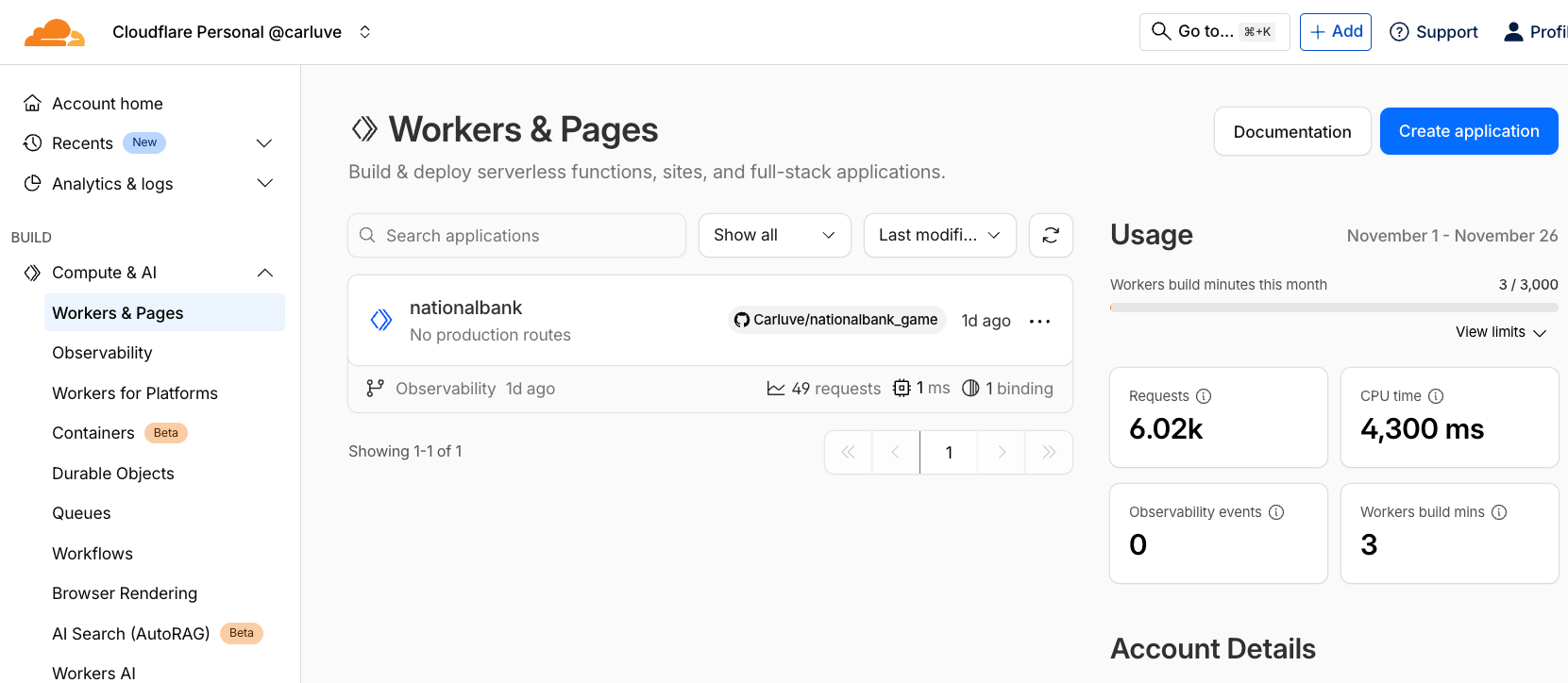
Everything deploys instantly via Wrangler, including config, bindings, and code updates.
This small project is enough to showcase the full lifecycle: development, storage binding, deployment, and observability.
How Workers Actually Execute Your Code
When a request hits your domain:
- Cloudflare routes it to the *nearest* data center.
- The Worker executes inside a V8 isolate.
- Your code can:
- inspect the request
- run logic
- fetch external APIs
- read/write storage (KV, R2, Durable Objects)
- You return a
Response()object, just like the Web Fetch API.
No containers, no cold Alpine images downloading, no region selection.
The mental model is simply:
Request → Worker → ResponseAnd it runs globally, everywhere, by default.
Building a Worker: My Minimal Example
Here’s a simplified version of the logic behind my demo:
export default {
  async fetch(request, env) {
    const url = new URL(request.url);

    if (url.pathname === "/api/hello") {
      return Response.json({
        message: "Hello from the edge 👋",
        url: request.url,
        timestamp: new Date().toISOString(),
      });
    }

    if (url.pathname === "/logo") {
      const file = await env.MY_BUCKET.get("small_logo.png");
      if (!file) return new Response("Not found", { status: 404 });
      return new Response(file.body, { headers: { "Content-Type": "image/png" } });
    }

    return new Response("Demo running on Cloudflare Workers 🚀", { status: 200 });
  },
};
This illustrates three patterns I use often:
- simple routing
- JSON APIs
- static asset delivery from R2
How I Deploy (Wrangler Workflow)
This is the exact workflow I used to deploy the demo:
- Login & init
`bash
npx wrangler login
npx wrangler init demo-app
`
- Configure the Worker
wrangler.toml example:
`toml
name = "nationalbank"
main = "src/index.ts"
compatibility_date = "2024-11-26"
[[r2_buckets]]
binding = "MY_BUCKET"
bucketname = "mybucket"
`
- Deploy
`bash
npx wrangler deploy
`
Within seconds, you get a global URL plus optional custom domain—in my case: cloudflare.carlosluengo.es
When Workers Work Extremely Well
From hands-on experience:
✅ 1. Edge logic
Routing, headers, transforms, auth, redirects. Milliseconds saved at global scale.
✅ 2. Lightweight APIs
Perfect for JSON endpoints or microservices.
✅ 3. Multi-region performance without multi-region complexity
Users hit the nearest PoP automatically.
✅ 4. Reliable + reproducible deployments
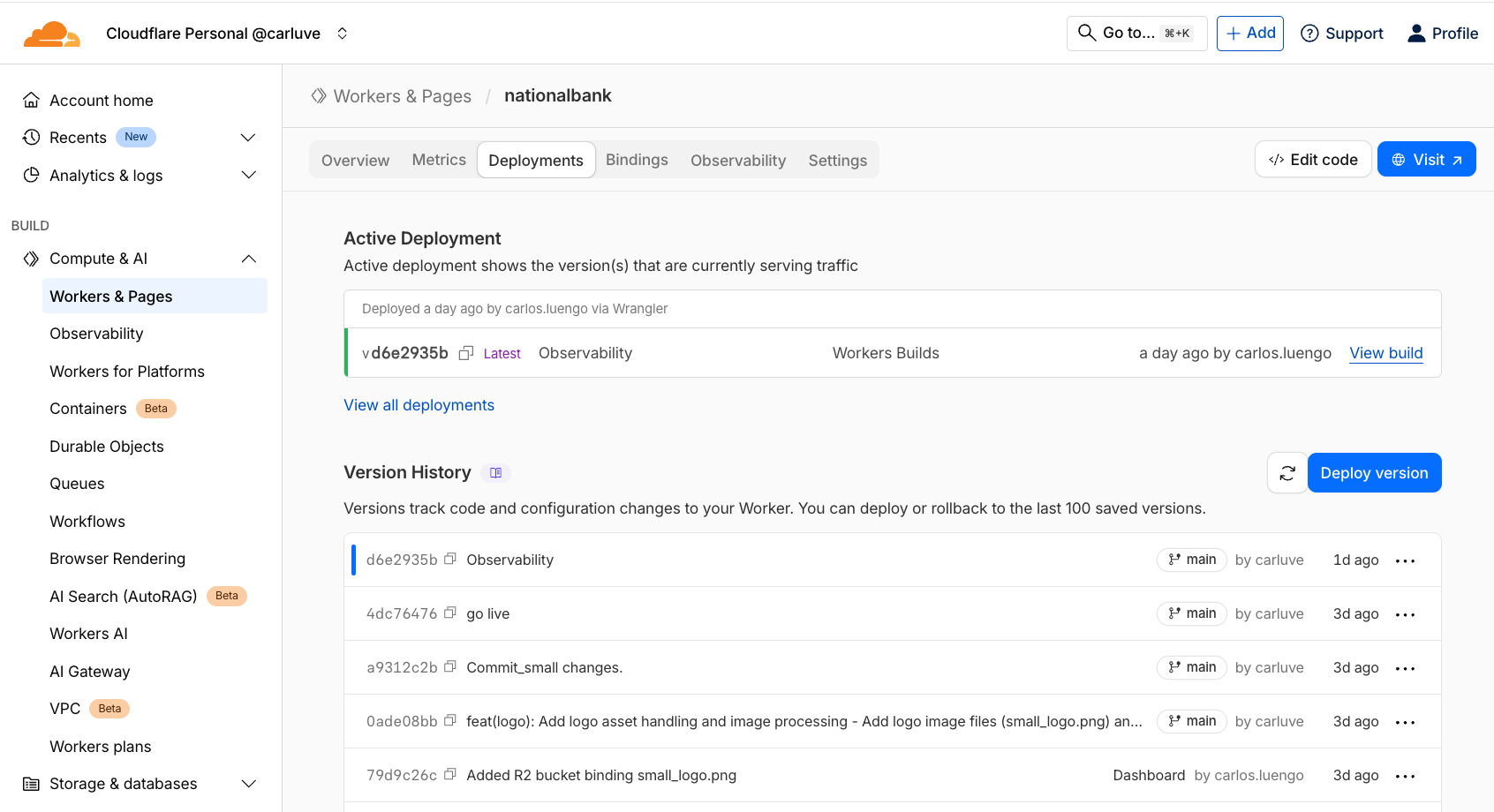
All versions appear in the dashboard; rollback is trivial.
✅ 5. Excellent integration with Cloudflare storage
KV for config → super fast
R2 for files → S3-like
Durable Objects → state when you need it
My Overall View After Deploying the Demo
Workers force you to write small, fast, global-first applications.
This constraint is actually liberating.
You stop thinking in terms of regions, clusters, or scaling groups. You focus on:
- handling requests
- composing APIs
- stitching edge logic
- holding small amounts of state where needed
For micro-APIs, edge utilities, and small apps like my demo, Workers are an elegant solution.
For heavy compute or ecosystem-specific libraries, it’s not the right tool—and that’s okay.
Final Thought
If you want to experience “global-first development” for yourself, deploy a 20-line Worker, point a domain at it, and watch it go live everywhere instantly.
That moment—the first request hitting a Worker running close to you—is what sold me.
👉 [https://cloudflare.carlosluengo.es](https://cloudflare.carlosluengo.es)